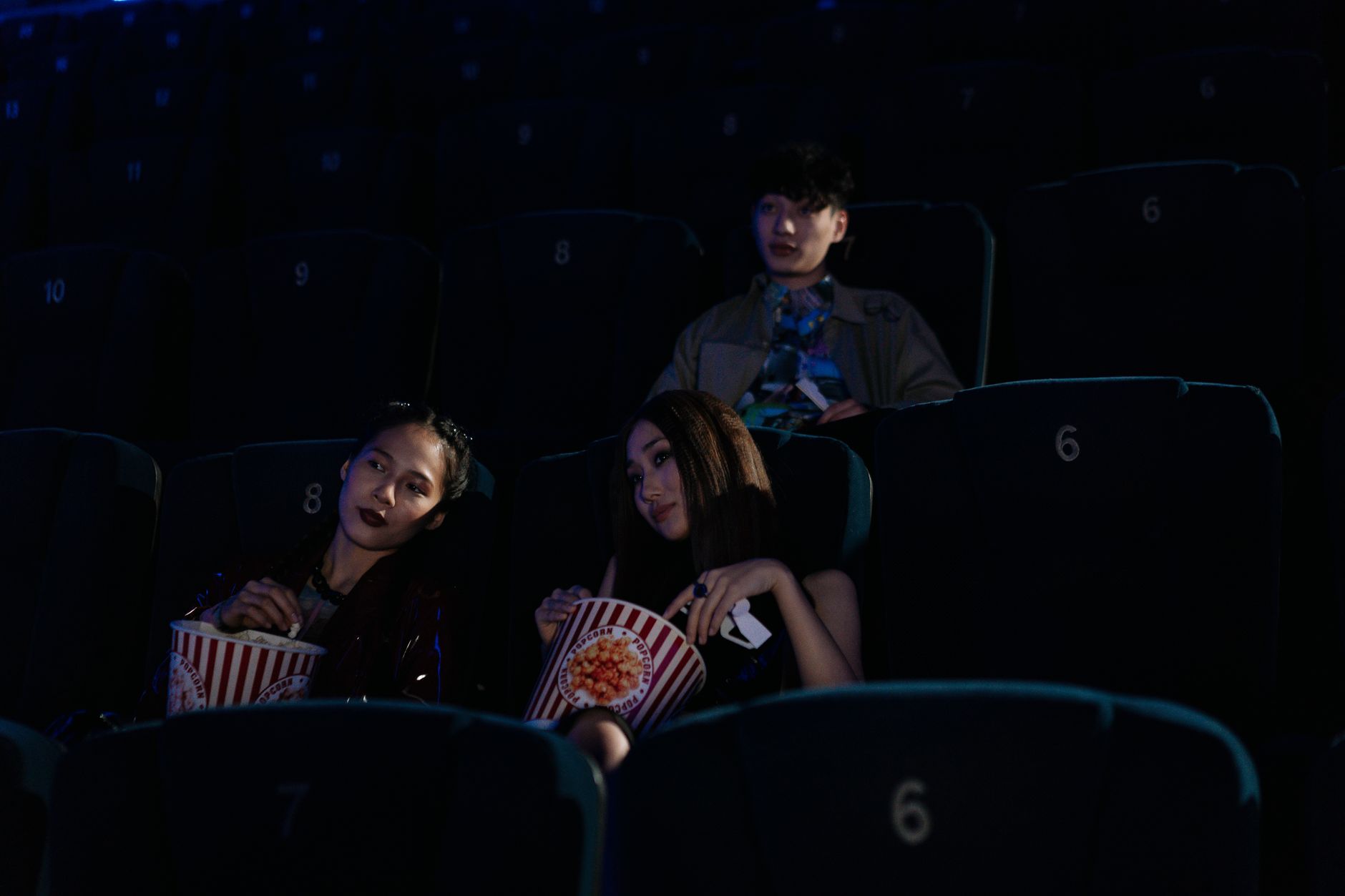
Your movie looks harsh because bright highlights and dark shadows sit side by side with little middle tone. Your display often makes the jump stronger by adjusting brightness for each shot. High dynamic range, or HDR, is a picture format that stores very bright and very dark detail in the same file. When a film uses that full range, and the TV reacts shot by shot, cuts feel aggressive.
Table of Contents
- Is It the Film or Your Screen?
- Why Do Directors Cut Bright Against Dark?
- Which Settings Reduce the Harsh Shifts?
- When Should You Change How You Watch?
Is It the Film or Your Screen?
Start by checking whether every movie does this. If only one title jumps hard, the grade of that film is the main cause. If everything jumps, your picture settings are likely boosting the effect.
Watch how the whole screen behaves on a cut. A sudden lift or drop in overall light points to automatic brightness control. Steady shadows with only the image changing point more to editing and lighting choices.
Why Do Directors Cut Bright Against Dark?
Filmmakers often place bright exteriors next to dim interiors to mark a change in place or mood. The clash wakes up the eye and signals danger, relief, memory, or discovery. Action and fantasy films lean on this contrast during chases, portals, and reveals.
Dark scenes also hide limits in sets, makeup, and effects. Bright scenes then carry landscape, spectacle, or daylight clarity. The shift feels stronger when sound, pace, and color change at the same cut.
Which Settings Reduce the Harsh Shifts?
Most TVs add processing that reacts to each scene. That processing can stretch small intended shifts into large visible pumps. Turning it down keeps the film's contrast without the extra push.
Use Cinema, Filmmaker, or Movie preset as a base. Lower backlight or OLED light until white titles stop glaring in a dark room. Keep room light low and steady so your eyes do less adjusting.
- Turn off dynamic contrast, dynamic tone mapping, and energy-saving brightness
- Turn off light sensor or auto brightness for movies
- Set local dimming to low or medium if bright areas flash
- Give your eyes a few minutes to adjust before judging the picture
When Should You Change How You Watch?
Some versions of the same film are gentler than others. A standard dynamic range version often has less peak brightness than the HDR version. If the HDR stream sears and crushes, try the non-HDR playback option where offered.
Room setup matters as much as menus. A soft lamp behind the TV reduces the shock of a bright cut in darkness. Sit a little farther back so full-screen flashes fill less of your view.