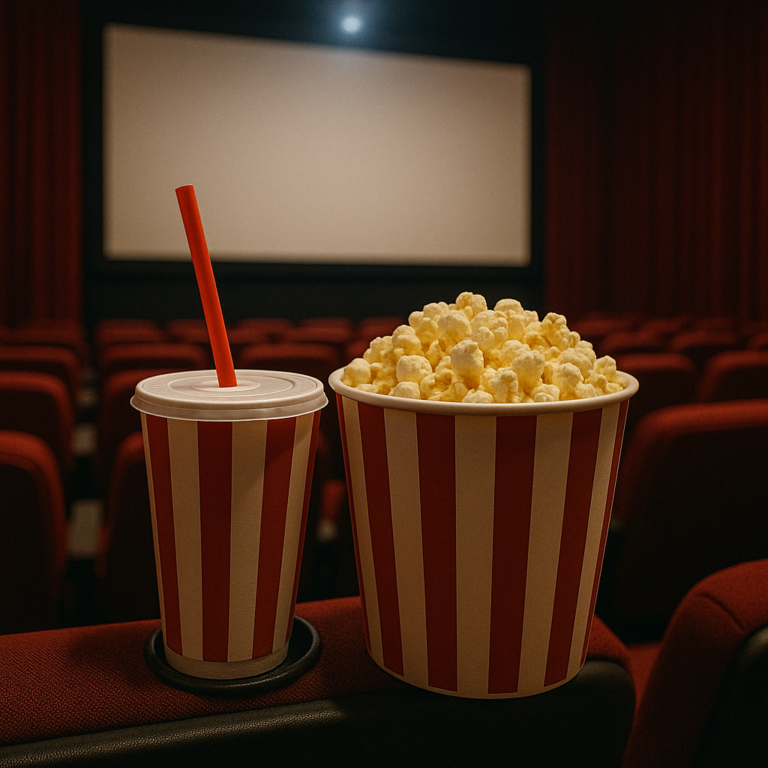
Planning virtual movie nights for classroom activities is a fun and creative way to bring students together, even when they are not in the same physical space. These events can help students feel more connected, make learning enjoyable, and provide a break from regular lessons. With the right steps and tools, teachers can organize a smooth and engaging virtual movie night that students will look forward to.
First, think about the purpose of the movie night. Is it meant to be a fun break, a way to celebrate a holiday, or a chance to learn something new through a film? Knowing the goal will help decide which movie to choose and what activities to include. For example, if the goal is to learn about math, a movie like Hidden Figures or Moneyball could be a great pick. If the goal is to celebrate a holiday, a classic holiday film might be more appropriate. The movie should be suitable for the age group and relate to the classroom theme or curriculum.
Next, choose the right movie. Make sure the film is appropriate for the students and fits within the time frame of the virtual session. It is important to check if the movie is available on a streaming platform that allows group viewing. Some platforms like Netflix, Disney+, or Amazon Prime have features that let people watch together virtually. There are also special tools designed for group movie watching, such as Teleparty, Scener, or Kast. These tools allow everyone to press play and pause at the same time, so no one gets left behind.
Before the movie night, send out invitations to students and their families. Include the date, time, and instructions for joining the virtual event. Let everyone know what platform will be used and if they need to create an account or download an app. It is also helpful to share a short description of the movie and any activities that will happen before or after the film. This builds excitement and helps students prepare.
On the day of the movie night, start by welcoming everyone to the virtual classroom. Use a video conferencing tool like Zoom, Google Meet, or Microsoft Teams. Begin with a short introduction to the movie and explain why it was chosen. This is a good time to set expectations, such as asking students to keep their microphones muted during the movie so everyone can hear clearly. If there are any rules or guidelines, share them now.
Before starting the movie, consider doing a quick icebreaker activity. This could be a simple question related to the movie, a fun poll, or a short game. For example, if the movie is about space, ask students to share their favorite planet. If it is a holiday movie, ask what their favorite holiday tradition is. This helps students feel included and gets them excited for the film.
When it is time to watch the movie, make sure everyone is ready. Check that all students have access to the streaming platform and the movie. If using a group watching tool, guide students through the steps to join the session. Start the movie and let everyone enjoy it together. During the movie, the teacher can monitor the chat or keep an eye on the participants to make sure everything is running smoothly.
After the movie, plan some activities to keep the energy going. One idea is to have a discussion about the film. Ask open-ended questions like What did you like about the movie, What was your favorite part, or What did you learn from the story. Encourage students to share their thoughts and listen to each other. This helps build communication skills and allows students to connect with the movie on a deeper level.
Another activity could be a quiz or trivia game based on the movie. Prepare a few questions ahead of time and use a polling tool or a quiz app to make it interactive. Students can answer individually or in teams. This adds a fun competitive element and reinforces what they learned from the film.
Creative activities are also a great way to extend the movie night. Students can draw their favorite scene, write a short review, or create a new ending for the story. For younger students, simple crafts or coloring pages related to the movie can be a hit. For older students, a writing prompt or a debate about a theme from the movie can spark deeper thinking.
If the movie night is part of a larger lesson, connect the film to classroom topics. For example, if the movie is about space, tie it to a science unit on planets or astronomy. If it is about math, discuss the math concepts shown in the film and how they apply to real life. This helps students see the relevance of what they are learning and makes the experience more meaningful.
It is also important to consider the technical side of virtual movie nights. Make sure the internet connection is stable and that everyone has the necessary devices and software. Test the streaming platform and group watching tool before the event to avoid any issues. Have a backup plan in case something goes wrong, such as a pre-recorded version of the movie or an alternative activity.
Involving families can make the movie night even more special. Invite parents and guardians to join the event or encourage them to watch with their children. This strengthens the connection between home and school and gives families a chance to participate in classroom activities.
Finally, be flexible and open to feedback. Every virtual movie night will be different, and it is okay to make adjustments based on what works best for the students. Ask for suggestions and ideas from students and families to make future events even better. The goal is to create a positive and memorable experience that students look forward to and enjoy.
Virtual movie nights can be a powerful tool for building community, sparking curiosity, and making learning fun. With careful planning and a focus on engagement, teachers can create events that bring students together, foster a love of stories, and support classroom learning in a unique and enjoyable way.