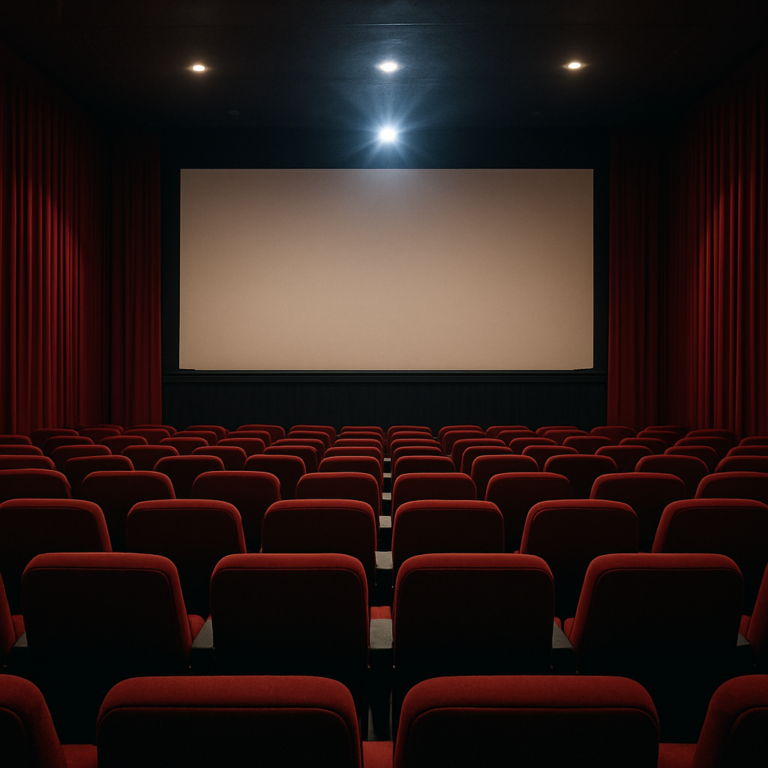
Planning a virtual movie night with minimal technology is a great way to connect with friends or family without needing complicated setups or expensive equipment. The key is to keep things simple, focus on the social experience, and use basic tools that most people already have. Here is a detailed guide on how to organize a fun and easy virtual movie night.
First, decide on the movie you want to watch. It helps to pick a film that everyone can access easily. Choose a movie available on popular streaming platforms like Netflix, Amazon Prime, Disney+, or even free services like YouTube or public domain sites. Make sure all participants have access to the chosen platform or can rent or buy the movie if needed. If you want to avoid any technical issues, pick a movie that is widely available or free to watch.
Next, set a date and time that works for everyone. Since you are watching together virtually, it is important to synchronize the start time. You can use simple tools like group chats or messaging apps to coordinate. Apps like WhatsApp, Facebook Messenger, or even SMS can work well for this. Confirm the time zone differences if your friends or family are in different locations.
For the actual viewing, you do not need fancy software. The simplest way is for everyone to start the movie at the same time on their own devices. To help with synchronization, you can do a countdown in the group chat or during a voice call. For example, count down from five and then everyone presses play simultaneously. This method requires some trust and cooperation but works well with minimal tech.
To make the experience more interactive, set up a voice or video call alongside the movie. You can use free services like Zoom, Google Meet, Skype, or even a group call on your phone. This allows everyone to chat, laugh, and react in real time while watching. Keep the call open during the movie so you can share comments or pause if needed. If video calls are too demanding on your internet, a simple voice call or group chat can still keep the social connection alive.
Before the movie night, test your setup. Make sure your internet connection is stable, your audio and video devices work, and everyone knows how to join the call or chat. Doing a quick test run can prevent technical problems during the event. Encourage participants to use headphones to avoid echo or feedback during the call.
Create a cozy atmosphere to enhance the movie night feeling. Suggest that everyone prepare snacks and drinks just like they would for an in-person movie night. You can even agree on a theme, such as popcorn and soda, or a specific type of cuisine to enjoy together. Encourage participants to dress comfortably or in themed pajamas to add a fun touch.
If you want to add some extra fun, plan some activities before or after the movie. For example, you can have a short trivia quiz about the movie, share favorite scenes, or discuss the plot. This makes the event more engaging and memorable. You can also use the chat or call to share reactions and jokes during the movie, but remind everyone to keep the volume low so it does not disturb the viewing experience.
For those who want a slightly more advanced but still simple option, there are free browser extensions and apps designed for synchronized viewing. These tools allow you to watch the same movie at the same time with friends and include chat features. However, these require everyone to install the same extension or app and may need a bit more technical comfort. If you want to keep it minimal, sticking to the manual sync method with a group call is best.
Remember to be patient and flexible. Virtual movie nights are about spending time together, not about perfect technology. If the movie starts a few seconds off or someone’s connection lags, it is okay. The goal is to enjoy the shared experience and have fun.
In summary, planning a virtual movie night with minimal tech involves choosing an accessible movie, coordinating a time, synchronizing playback manually, and using simple communication tools like voice calls or group chats. Adding snacks, themes, and interactive elements can make the night special without needing complicated technology. Testing the setup beforehand and encouraging everyone to participate actively will help create a smooth and enjoyable virtual movie night.